

Well, they're not the normal, everyday things that folks buy and sell on eBay. They're the items and experiences that have something unique or exciting about them.
Actually, it's impossible to describe exactly what makes an auction special, but they tend to have one or more of the following features:
'Money can't buy', one-of-a-kind items/experiences
Items/experiences with celebrity or star associations
Unique or extraordinary items/experiences
Extremely valuable or rare items/experiences
These kinds of items or experiences capture the public imagination and engage people. They drive awareness, attention and hopefully, raise a lot of money for worthy causes.
Special items and experiences can be listed on their own or as part of a campaign with many listings.
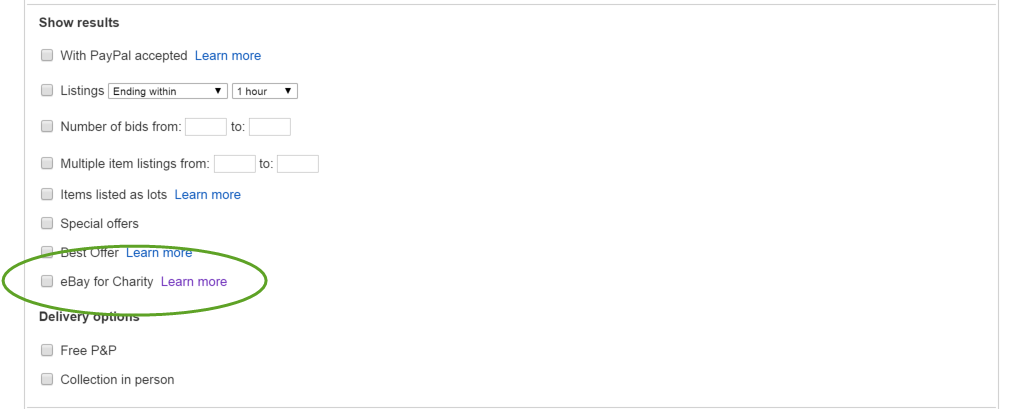
 in search results and in the item listing title. Within the listing, you will find the name of the benefiting charity and the percentage of the final sale price the seller is donating.