|
|
 |
|
Create products under which you can save your Sell Your Item forms as listing templates. You can then reuse these listing templates to list multiple items.
|
|
| |
|
|
 |
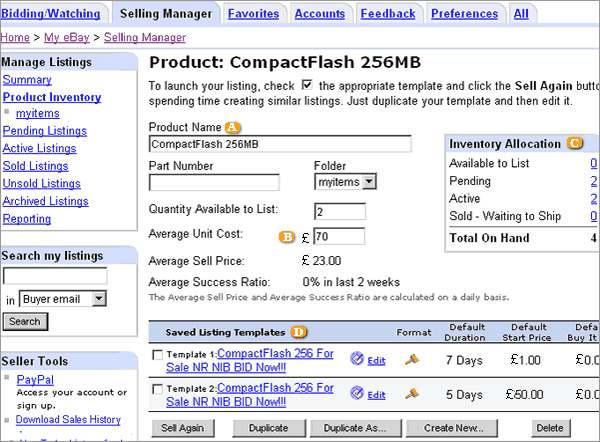
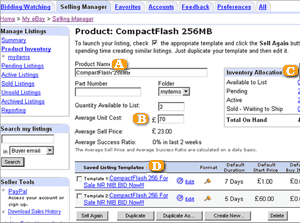
Use your product name to identify the type of product you are selling.
|
 |
Use the unit cost of your product to generate sales reports and track your cost if you'd like.
|
 |
Find out how many of your listings from this product are active how many are sold and how many you can still list. |
 |
See all the Listing Templates associated with this product and find out which one is more successful by looking at the success ratio. |
|
|
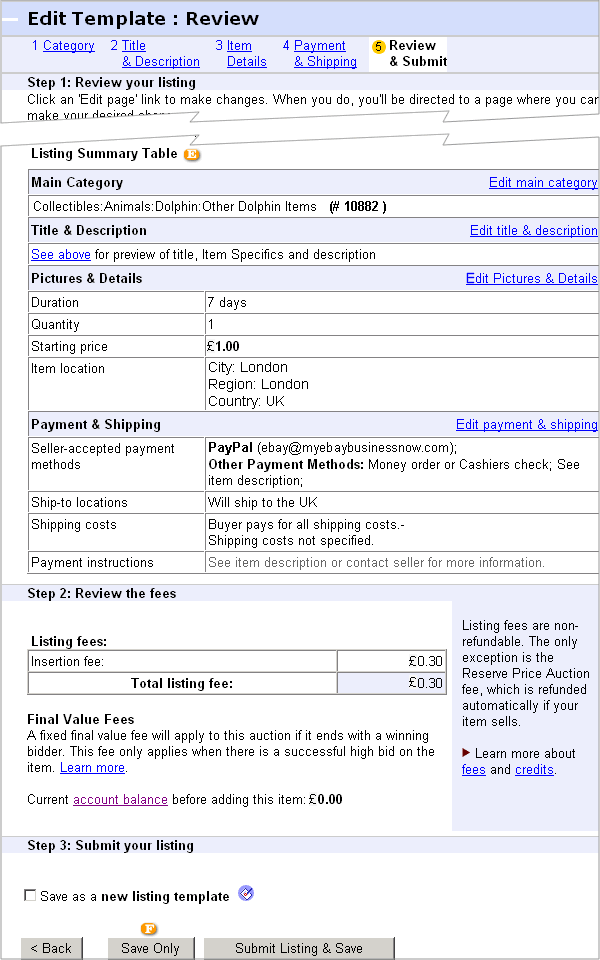
Selling Manager Pro Listing Templates are simply saved versions of your Sell Your Item forms. To create a new Listing Template just click on the Create New button or duplicate an existing template.
|
|
| |
|
|
 |
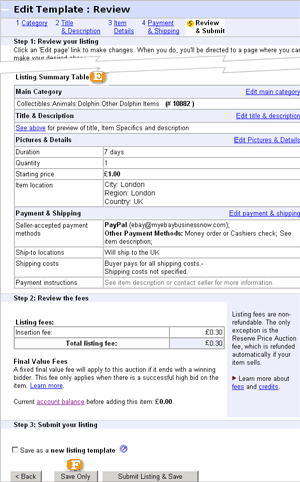
To save your template, click on the Save Only button. If you not only want to save it but also list it immediately, click on the Save and Submit button.
|
 |
The Review and Submit page of your template gives you all the details, which will appear in your listing once you submit it.
|
|
|
|
|