|
|
 |
|
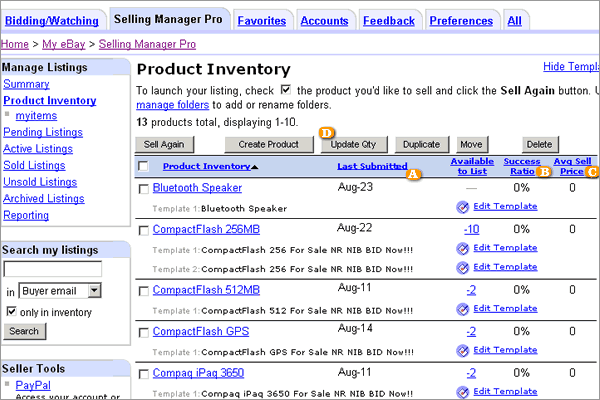
View all of your products and find out how many you have in stock, when you last listed them and how many are waiting to ship. More importantly, find out what the Average Selling Price and the success ratio are for each of your products.
|
|
| |
|
|
 |
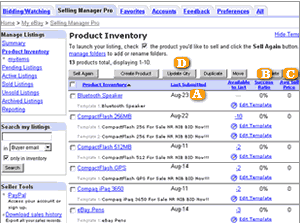
For each product, see all your saved listing templates and find out when you last listed one.
|
 |
The success ratio will tell you how well your listings are doing for a specific product. If many of your items are selling as a percentage of the number of items you listed, your success ratio will be high.
|
 |
The Average Selling Price will tell you how much you sold your items for on average. |
 |
Update the quantity of products in bulk when you get more stock or when you sell items off eBay. |
|
|
Once you have an idea of your inventory, sell multiple items at the same time. Select the products you wish to sell items from and click on the Sell Again button.
|
|
| |
|
|
 |
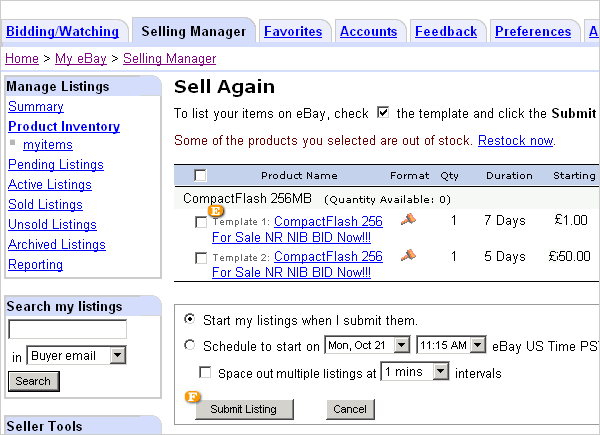
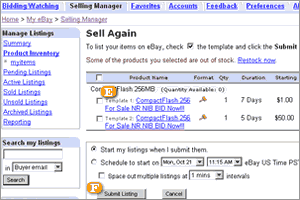
Choose any or all of your listing templates for your selected products. If you need more information on the details of the template click on the template name.
|
 |
Click on Sell Again and submit all of your selected templates.
|
|
|
|
|