


|
 |
Please find below a step by step guide on how direct selling works
 |
 |
You Register
- Registration is free and easy
- Go to www.missionfish.org.uk/register
- Fill-in online registration form on MissionFish
- Fax documents
- Provide logo, mission statement, contact and bank details
|
 |
 |
 |
MissionFish validates & You appear in Directory
- MissionFish confirms details and charitable status
- This normally takes one business day
- You then appear in the Charity Directory
- You can now sell items through programme
- eBay sellers can also sell items and donate a percentage to your charity
|
 |
 |
 |
Register as eBay Seller
- Register charity as eBay seller
- Register for an individual or business account (consider opening business account if you do not have a credit card)
|
 |
 |
 |
Add your eBay ID to your MissionFish account
- Add your eBay user ID to your Direct Sellers in your My MissionFish account
|
 |
 |
 |
Register as MissionFish Seller
|
 |
 |
 |
Optional: Register with PayPal
- Register your charity with PayPal
- Select a PayPal Business Account
- Email PayPal for discounted charity rate – details at www.paypal.co.uk/charity
|
 |
 |
 |
List your item
- List item as normal
- In Pricing and duration:
- Select your charity
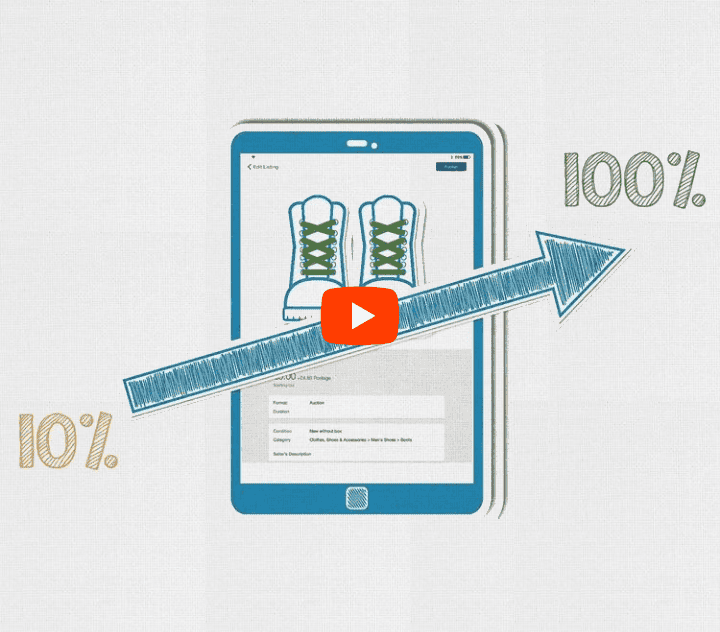
- Select 100% donation
|
 |
 |
 |
Item Sells and eBay donates 100% of Final Value Fees
- Item sells successfully
- Buyer pays and you ship item as normal
- eBay donates 100% of your final value fees
- Receive this donation once a quarter
|
 |
|