


From collectables to cars, buy and sell all kinds of items on eBay
eBay for Charity Partnership with MissionFish
Choose A Topic

Overview

Sell for Charity

Buy for Charity

Charities - get involved

Run a Campaign

Related Links

How to Sell for Charity

Charities - Benefit from Sellers' Donations

Charities - Sell Items Yourselves

Seller Success Stories

Charity Success Stories

Charity Listing Policy

FAQs
Sellers are the lifeblood of eBay for Charity, so we're thrilled to welcome you.

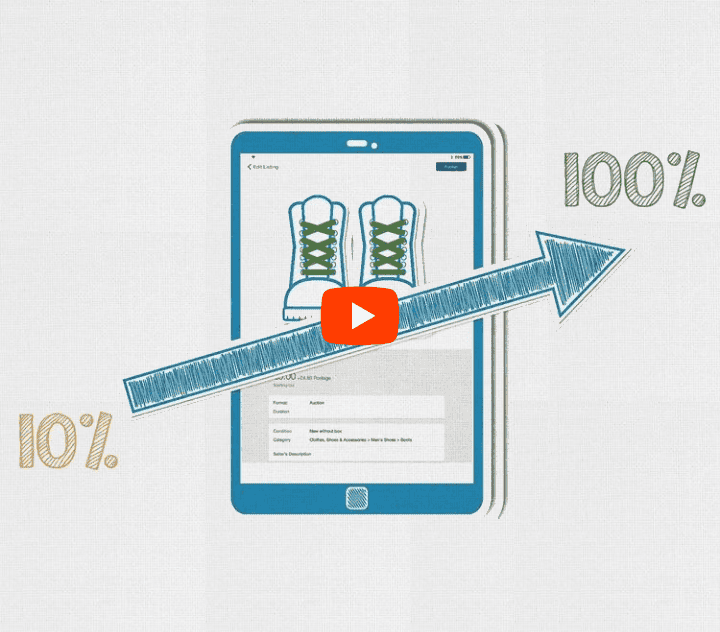
Supporting a favourite charity while selling on eBay.co.uk is easy. Not only can you make a difference by donating between 10% and 100% of your item's final selling price, but you also benefit from your listing really standing out.

Your listing will be marked with the special blue and yellow ribbon, and will include the benefiting charity's logo and mission statement. Buyers can also easily search for charity items both on the main site and on the eBay for Charity hub page. Often this can mean more bids and even more selling success!

After your item sells, your chosen charity will find your donation paid into its bank account, along with Gift Aid (if you've ticked the box) and an eBay fee donation.

The really good news is that, though it will require a little leg-work up front to get you up and running, once you're registered it requires little extra effort. You just tick the charity box when you're listing, choose the percentage of your final sale price you want to donate and to which charity, and we take care of the rest. Just minutes to start really making a difference.

Want to know more?

Selling for charity is like selling anything on eBay – but with one additional twist. You need to register with MissionFish, the UK charity we've partnered with. MissionFish does all the back-end work to make sure your donation reaches your chosen charity. Once your item sells, you're then able to pay your donation directly through your MissionFish account, or – if you prefer – MissionFish can take it directly from your credit card. We've tried to make giving on eBay as easy as possible for you.

Ready to Sell?
You can get set up through the normal eBay Sell Your Item form – just select "Donate a percentage to charity" in the "How You're Selling" part of the form. You'll be asked to choose a charity, and will then be taken through the quick and simple MissionFish registration as part of this process.

Want to get set up now?
If you're not ready to sell just yet, you can go directly to the MissionFish site and register to sell for charity now. You'll then be fully set up in advance for the next time you sell on eBay.


About eBay | Announcements | Safety Centre | Partner Centre | VeRO Protecting IP | Policies | Feedback Forum | Site Map | Help
Copyright © 1995-2008 eBay Inc. All Rights Reserved. Designated trademarks and brands are the property of their respective owners. Use of this Web site constitutes acceptance of the eBay User Agreement and Privacy Policy.
eBay official time